Help with survey links, consent, audio or video permissions, and completing a study.
This page is for people invited to complete a DeepField survey. If these steps do not resolve the problem, contact the researcher or panel provider that sent your link. They can check the study and issue a new invitation when appropriate.
Why can't I go back to an earlier answer?
The researcher decides whether a survey allows backward navigation. If you see Back, use it to revise an earlier answer; the survey may then ask dependent questions again. If there is no Back control, answers cannot be changed from your current session. Contact the sender if you need a new invitation.
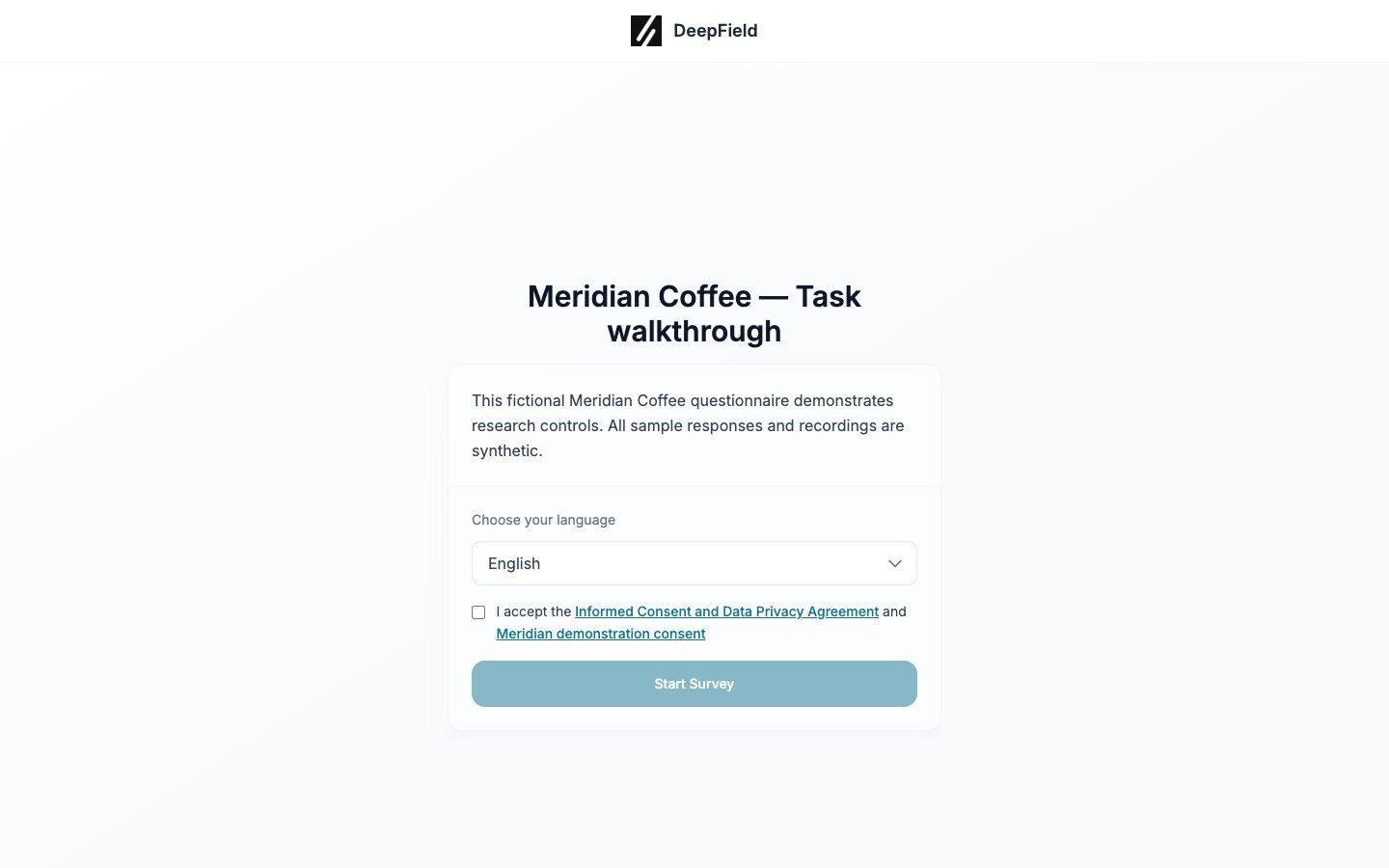
Why is Start Survey unavailable?
Read the consent information and select the acceptance checkbox above Start Survey. The button becomes available after consent is accepted. On a small screen, scroll upward if the checkbox is not visible.
Choose the language, read the consent links, and accept before starting.
Why does my link say it is invalid or expired?
A personal invitation may stop working after the survey is completed, after its expiry date, or after its allowed number of opens. Confirm that you are using the complete URL and have not already submitted the survey. If you still need to participate, ask the sender for a new link.
Can I leave and return later?
Usually, yes. Reopen the same personal link and the survey should continue from the saved point while the invitation remains valid. Do not share the link because it is connected to your response.
How do I allow microphone access?
When the browser prompts for microphone permission, choose Allow. If permission was blocked, open the site’s permission controls beside the browser address, allow the microphone, and reload the page. Confirm that the intended input device is selected and not muted, then speak during the test.
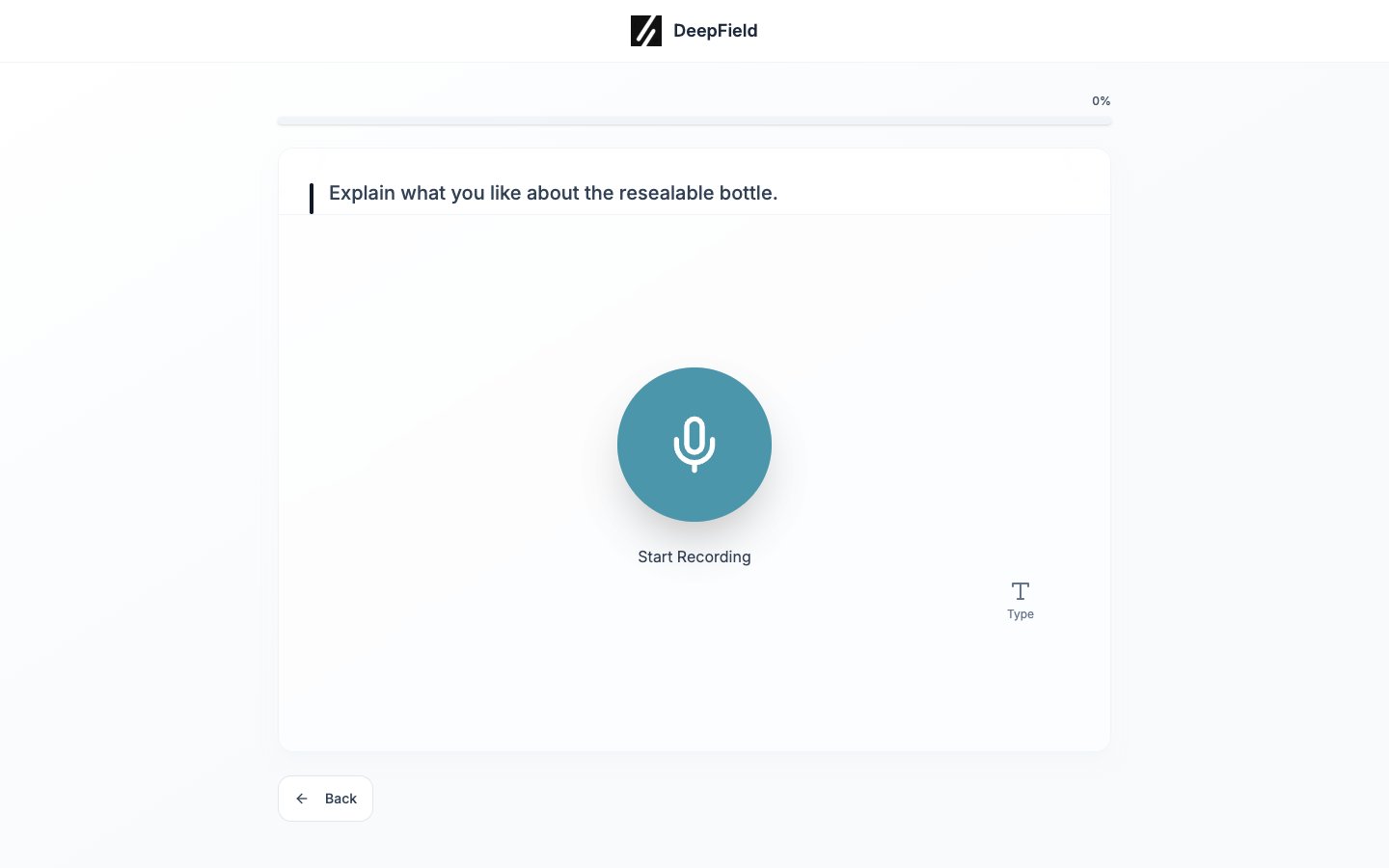
Can I type instead of recording?
Some studies let you choose Type Responses at the start or Switch to typing on an audio question. If neither option is available, audio is required for that study. Contact the sender if you cannot provide an audio response.
Use Start Recording to answer by microphone, or Type when typing is allowed.
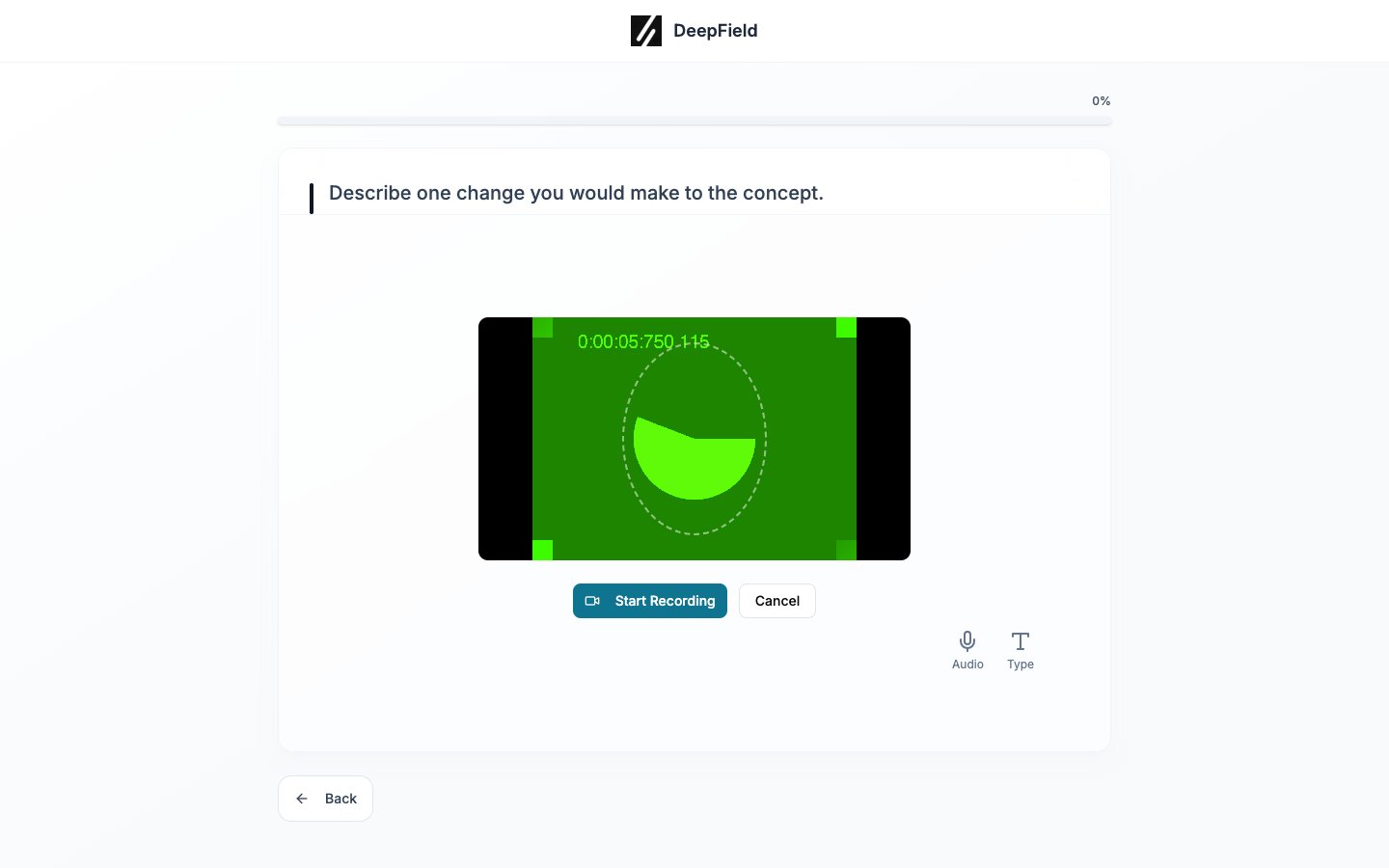
What if my camera is unavailable?
If the study supports audio-only participation, select My video doesn’t work on the permission step. If that option is not shown, the study requires the configured media mode; contact the sender for guidance.
Review the camera preview before recording. This demonstration uses a synthetic camera feed.
Why was I asked to answer a question again?
DeepField can reject an answer submitted too quickly to have been read or recorded properly. Take time to read the question and provide a complete response. Repeated rejected answers can end the session for quality reasons.
Why did the survey finish after the opening questions?
Opening questions determine whether the study needs responses from your profile and whether its group targets are still open. The survey can end when you do not match a screening rule or when the relevant quota is full.
Send the researcher or panel provider the message shown on screen and explain the step where it occurred. Do not send them your passwords or authentication codes.
Wait for the completion message or the return to your provider. If an error remains, send its wording and the step where it occurred to the invitation sender, without passwords or authentication codes.