
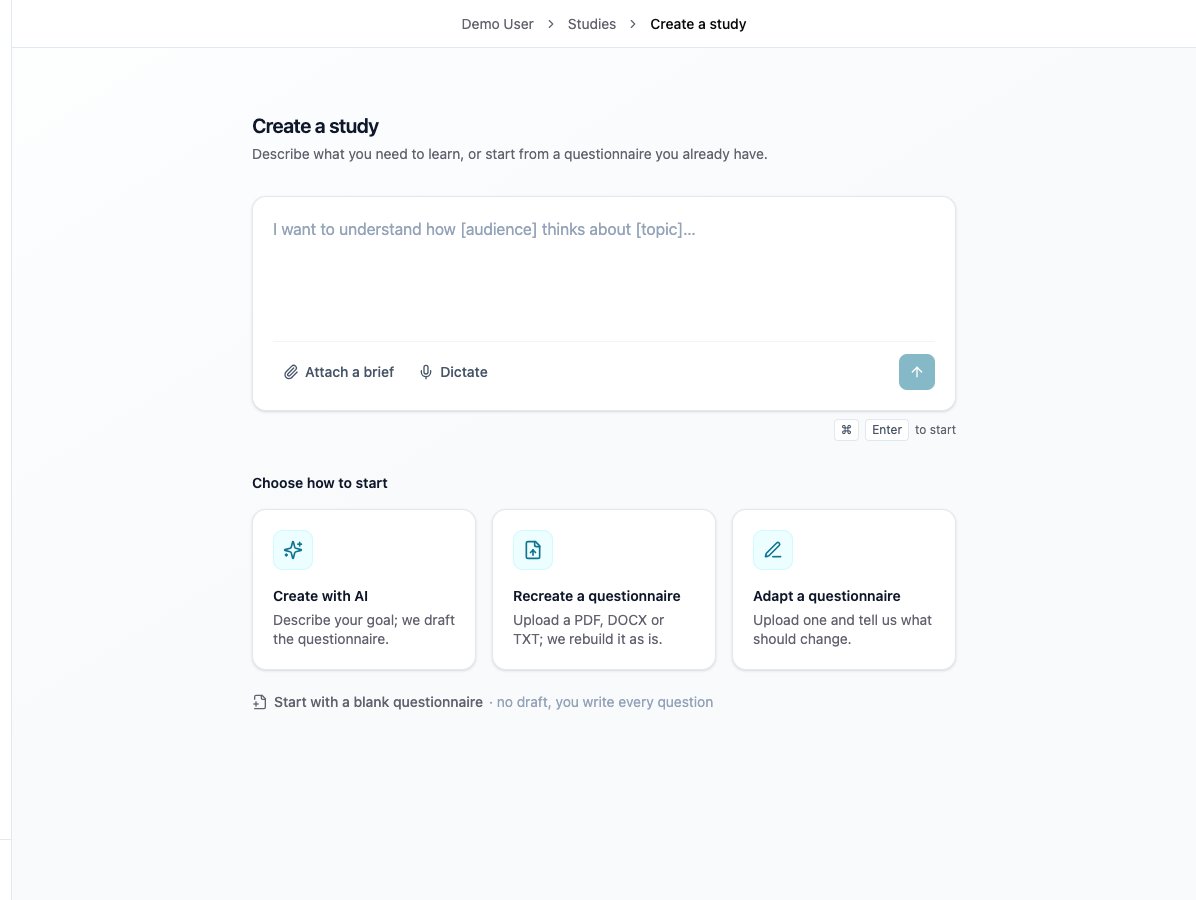
Choose Recreate a questionnaire to upload your existing source.
Before you start
Confirm workspace access and attend with the researcher who will operate the study. Bring your source questionnaire, coding instructions, stimuli and intended launch window. Detailed recruitment and provider redirects are covered in the pre-launch session.Before the session
Have the files ready to upload and identify who will review wording, logic, translations and participant tests. Study creation accepts PDF, DOCX, TXT, XLSX, CSV, PNG, JPG/JPEG, GIF and WebP, up to 20 documents (images do not count toward this limit) and 32 MB each. Remove confidential information the questionnaire does not need. Confirm credits will be available before publication. Customer Success prepares a coded study and completed results for the demonstration. While your questionnaire processes, you can learn the controls on that prepared study.What you will do
1
Upload the source questionnaire
Open New study → Recreate a questionnaire. Upload the questionnaire and coding instructions, check the files, and start coding. Switch to the prepared study while it runs.
2
Share and review together
Give reviewers the appropriate study access and check they can open it. Use comments to discuss a question; use the coding assistant to request an actual edit. Sharing and comments are part of coding, so introduce reviewers before launch.
3
Edit, save and inspect history
Practise a manual edit and a targeted assistant request. Select the affected questions or sections when narrowing a request. Save or discard pending edits before using the assistant. Open Save changes and choose a save action; opening the menu alone does not save. Save & get feedback saves and requests feedback. Inspect Version history and learn how to restore a saved version. See Edit and save your survey.
4
Check logic and test
Inspect routing, screening, variables and conditions. Resolve blocking validation issues, then run Flow coverage, correct issues and recheck. Generate a global test link and use Test this question for a complex question and its dependencies. Automated coverage and a participant test check different things; use both.
5
Return to your own study
If coding is ready, compare representative questions and an important route with the source, then try a small edit or question test. Assign the full comparison and remaining tests. If coding is still running, confirm how to reopen the study and review it later.
What to verify in the test
Test completion, screening, early ends and boundary answers. Check consent and introductions, answer choices, logic, stimuli, custom inputs and media permissions. Include relevant languages, randomized variants, loops, desktop and mobile. Use Test and publish your study for the full procedure. Saving questionnaire changes while Testing returns the study to Draft and invalidates existing test links. Save the changes, generate a new link and repeat affected routes on that version.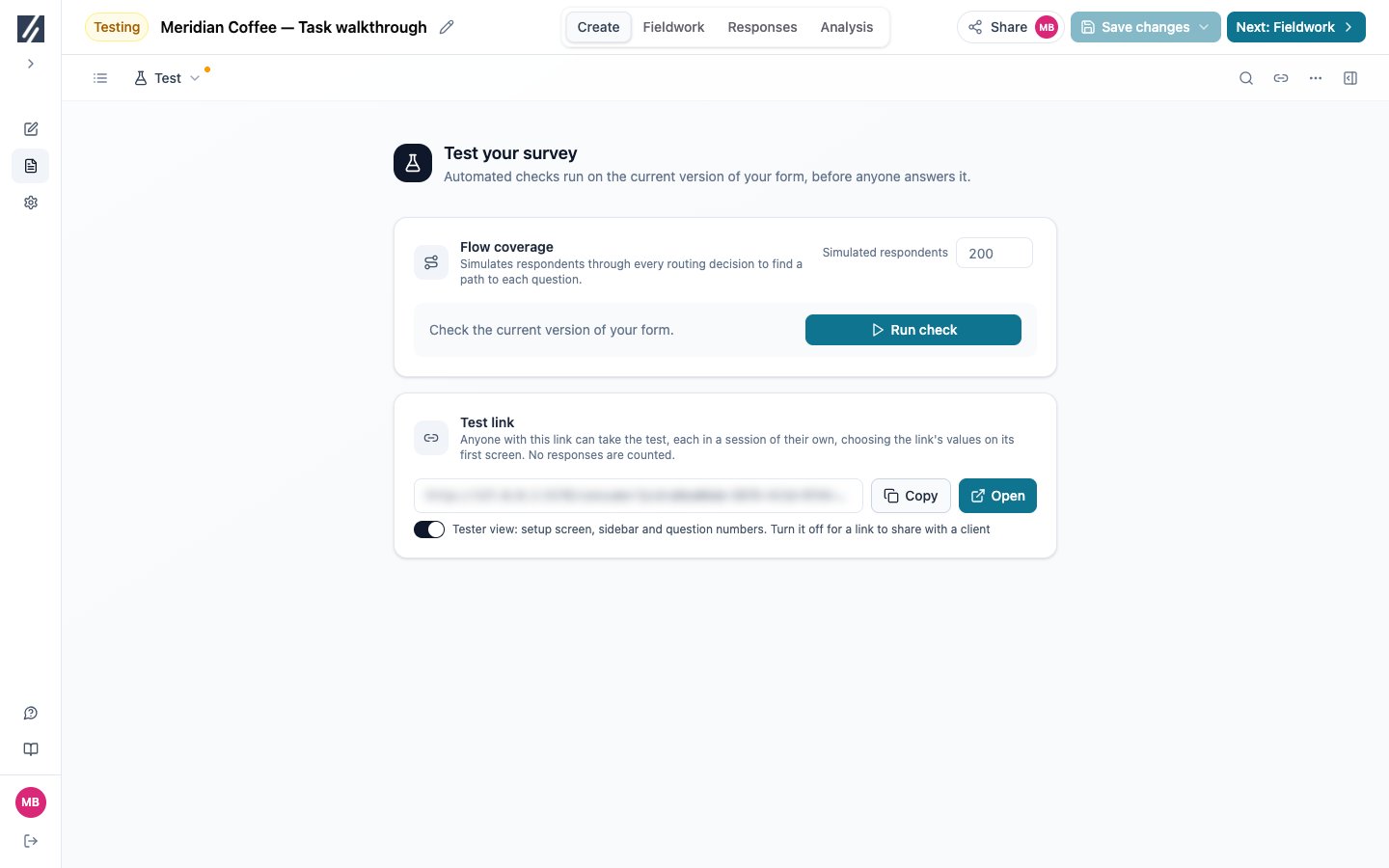
Generate a test link and check the participant journey on the saved version.