
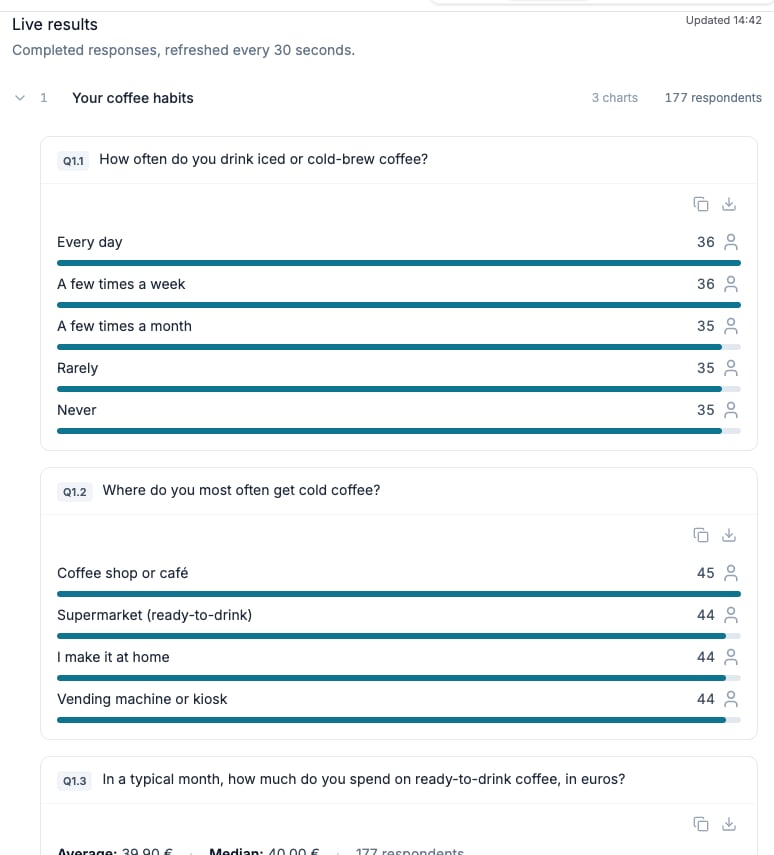
Review live recruitment results and the qualifying response count.
Before you start
Bring the planned targets, expected incidence, quota structure, and the first usable responses.Review overall progress
Open Responses and compare Completed, Remaining, Total, and completion rate with the time elapsed. A low number alone does not explain the issue, so also review response statuses, screening, and quota progress.Check screening outcomes
Filter or group responses by status and calculate the share that screened out. Compare it with the expected incidence rate used when configuring the audience. If the rate is materially different, review:- Whether the panel audience matches the screening criteria
- Whether multiple rules combine more narrowly than intended
- Whether an answer option or operator excludes a valid group
- Whether a screening question appears in the correct section
Review quota fill
Open the quota progress view and inspect every cell, not only the panel total. For each slow cell, distinguish between:- A rare group that needs more fieldwork time
- A combination created by nested quotas
- A cap that has already been reached
- A target that is inconsistent with the audience definition
Review response quality
Scan ratings and quality statuses, then open a few response details across the range—not only the lowest-rated submissions. Check the underlying answers and the per-check explanation before excluding a response. Use the quality summary to separate:- Responses stopped during collection
- Completed responses below the quality threshold
- Completed responses included in analysis
- Test or direct-invite sessions that are not rated
Confirm the report threshold
Analysis can be generated when quality-passing completed responses reach at least 80% of the combined positive panel target. Without a positive target, this percentage gate does not apply. Other study-state, access, and plan-validation requirements still apply. Calculate the current proportion and use the observed pace to estimate whether the study will clear the threshold. If it may not, decide during fieldwork whether to extend collection or adjust an eligible target. Do not wait until the planned reporting date to make that calculation.Save a short fieldwork note
Record the check date, counts, screen-out rate, slow quota cells, quality observations, and any configuration changes. This creates a clear explanation for later differences between the original fieldwork plan and the final sample.Check the result
Each fieldwork issue has an identified cause or a specific next check. Changes and inclusion decisions are recorded before the analysis session.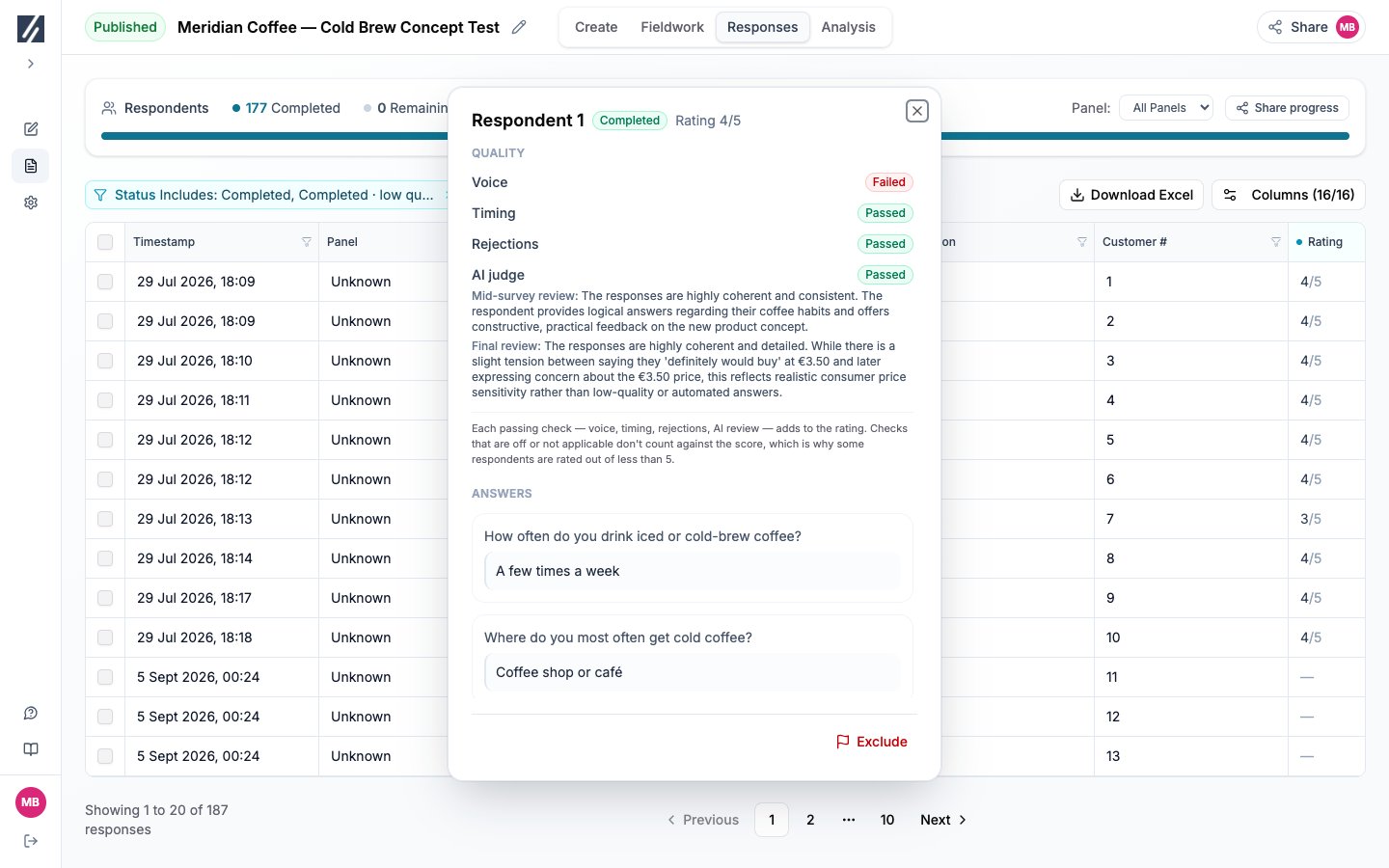
Open the rating to inspect the completed response’s quality checks.