

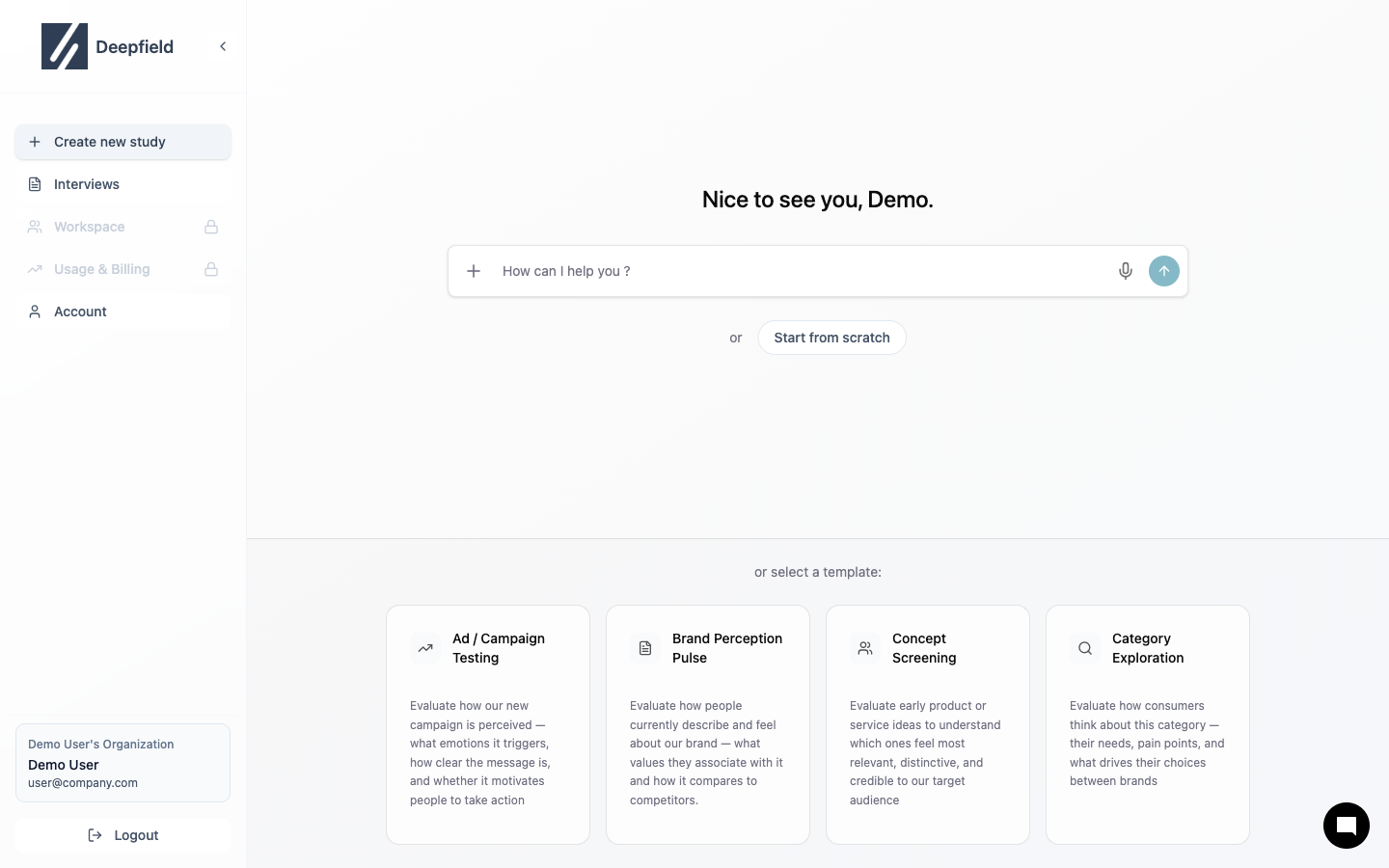
How to Use
Describe Your Research
Be specific about:
- Objective: What you want to learn
- Audience: Who you’re researching
- Topics: Key areas to explore
“Create a study to test our new TV commercial with adults aged 25-45. Focus on message recall, brand fit, and purchase intent.”
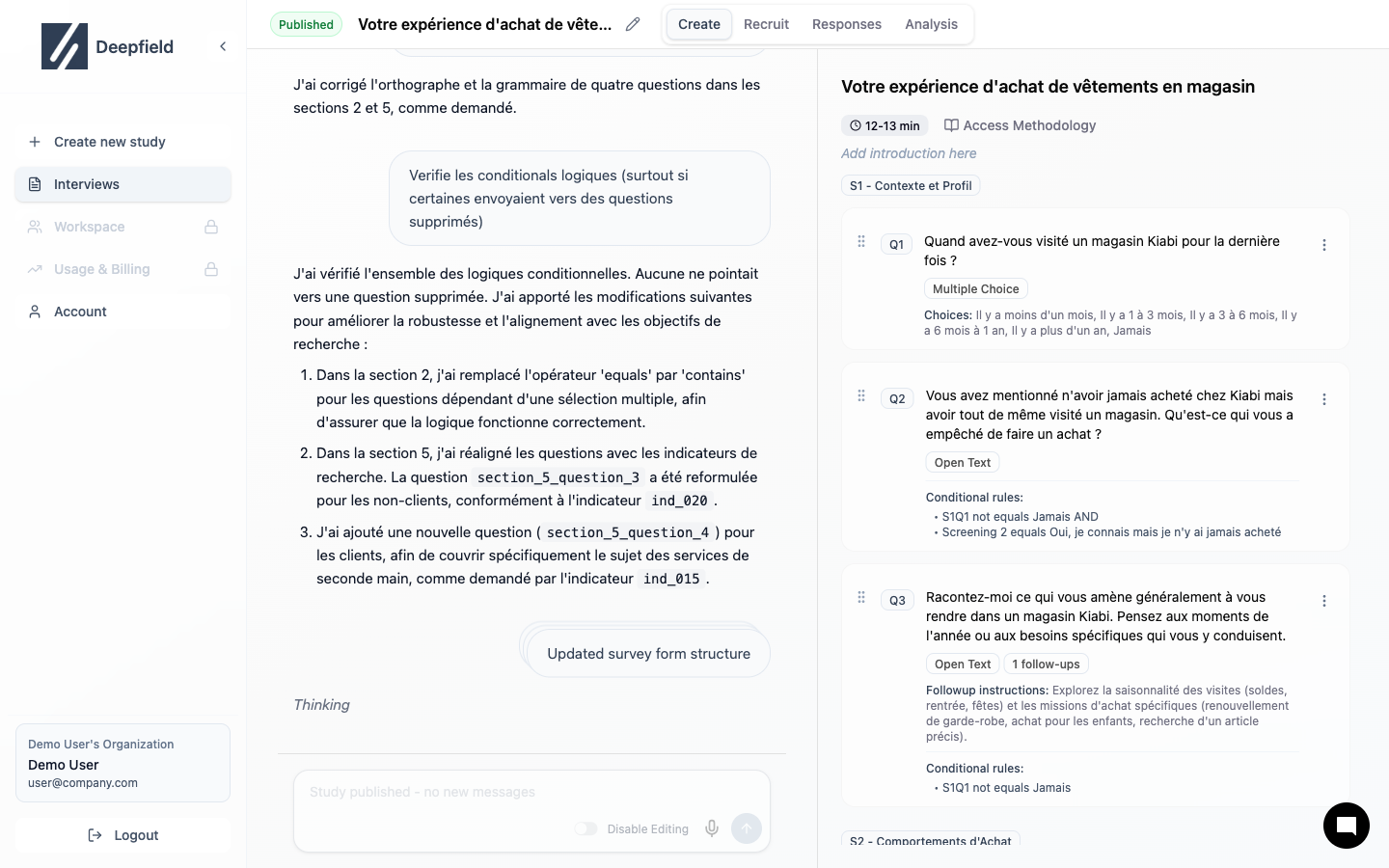
Refine with AI
Ask for changes naturally:
- “Add more questions about price”
- “Make the introduction shorter”
- “Remove the demographic section”
Good Prompts
| Do | Don’t |
|---|---|
| ”Test our mobile banking app with Gen Z users" | "Make a survey" |
| "Understand why customers prefer competitor X" | "Questions about our product" |
| "Measure brand awareness among millennials" | "Brand study” |
Edit Manually
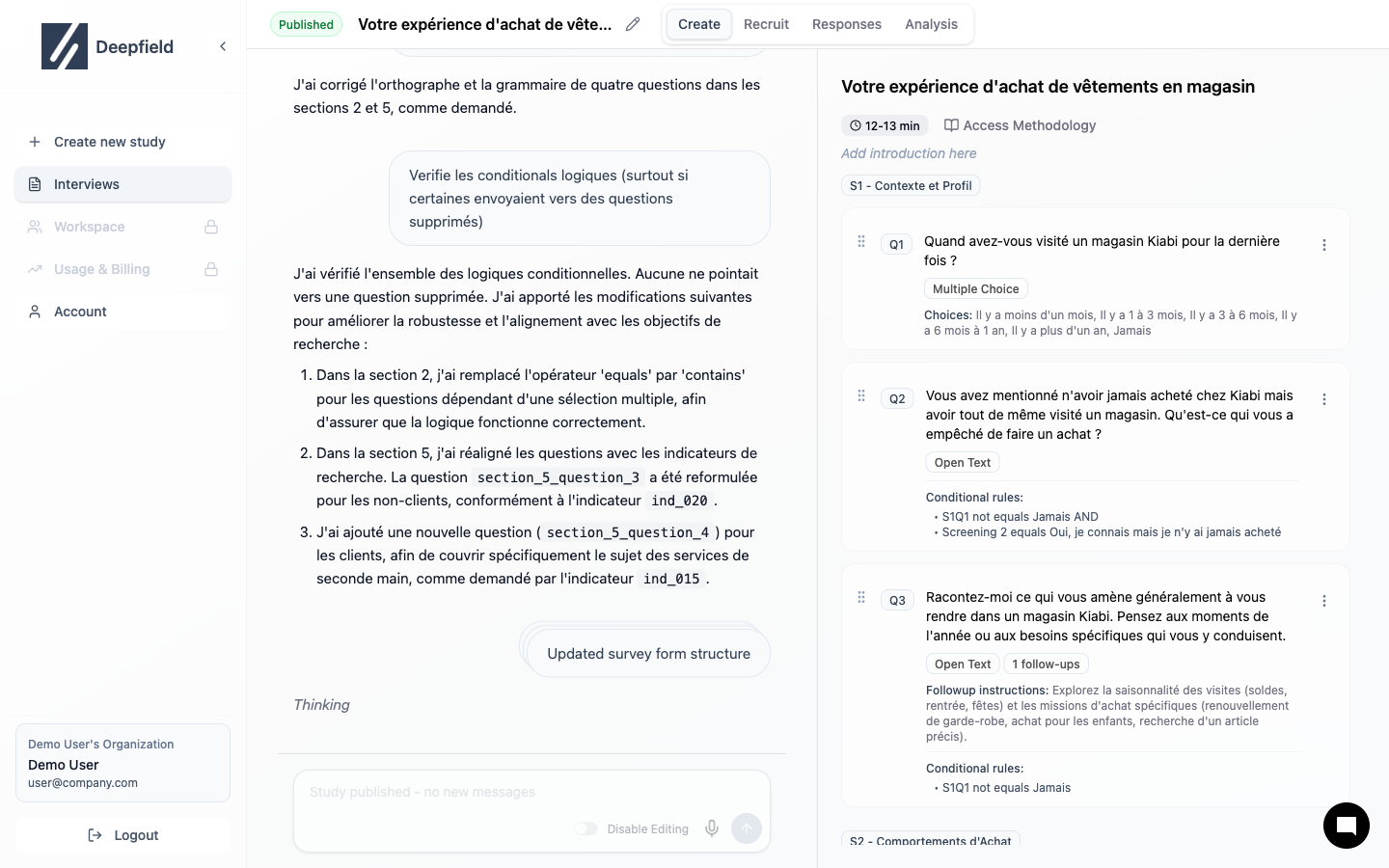
- Edit text
- Change question type
- Modify options
- Drag to reorder
Templates
Start from pre-built frameworks
Question Types
Available question formats