


Dashboard
| Metric | Description |
|---|---|
| Total | All response attempts |
| Completed | Finished the study |
| In Progress | Currently taking |
| Screened Out | Didn’t qualify |
Response Statuses
| Status | Meaning |
|---|---|
| Completed | Finished entire study |
| In Progress | Started, not finished |
| Screened Out | Terminated by rules |
| Test | From test mode |
What You Can Do
Track Progress
Monitor completions in real-time
Review Quality
Check AI quality scores
View Media
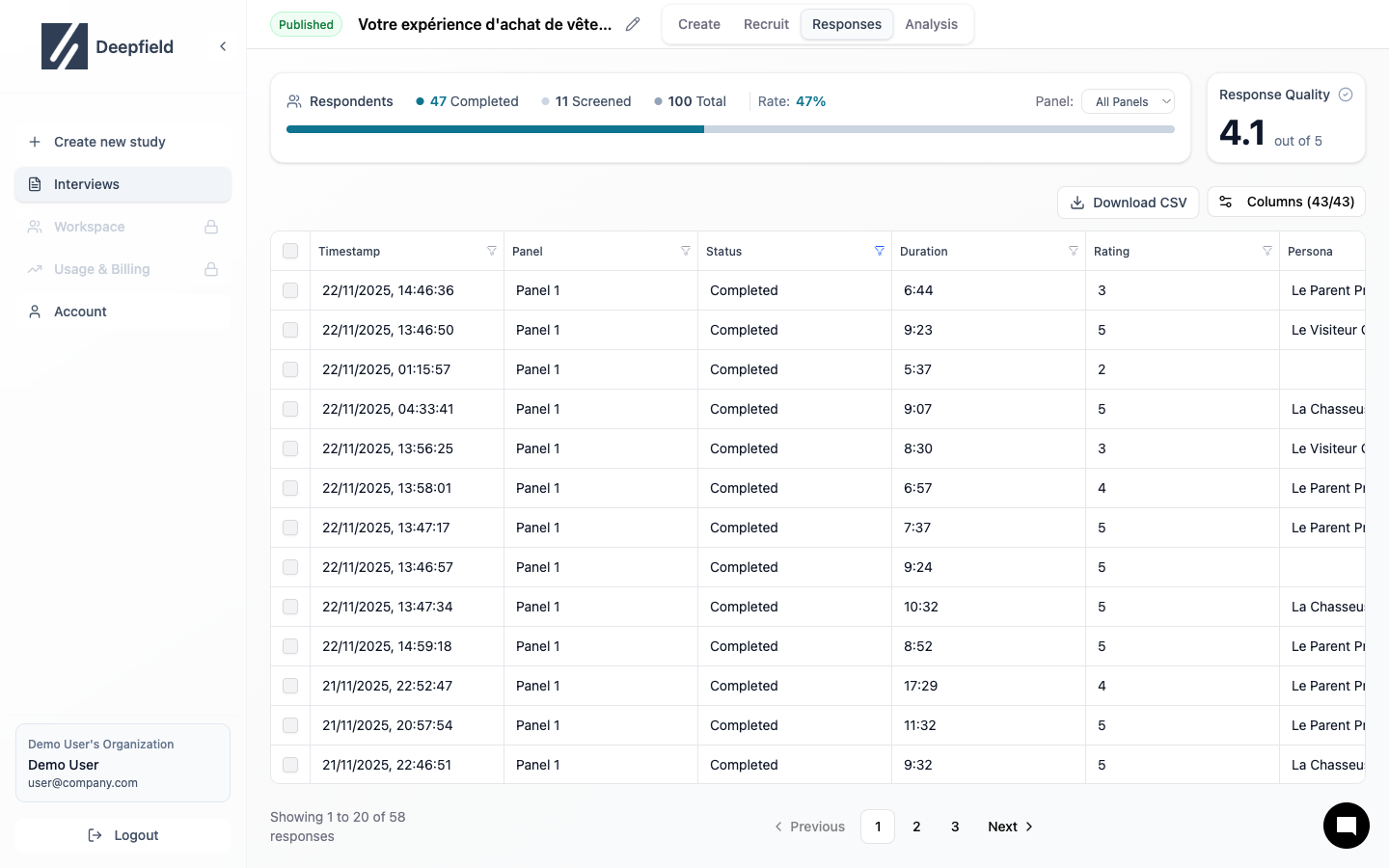
Export Data
Download CSV for analysis
Viewing a Response
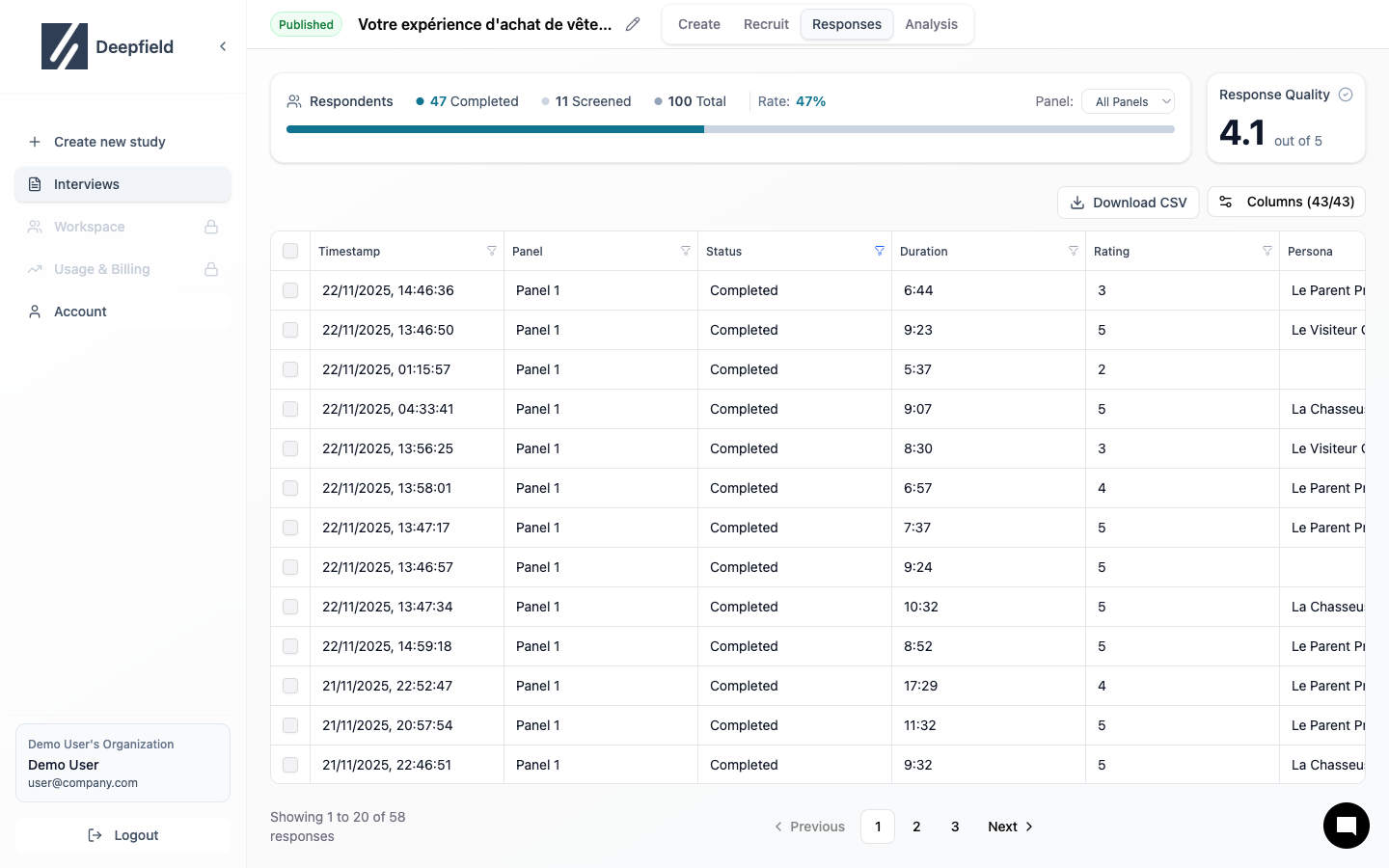
- All answers
- Time per question
- Media recordings
- Quality assessment
Filter Responses
Find specific data
Export Data
Download for external tools