

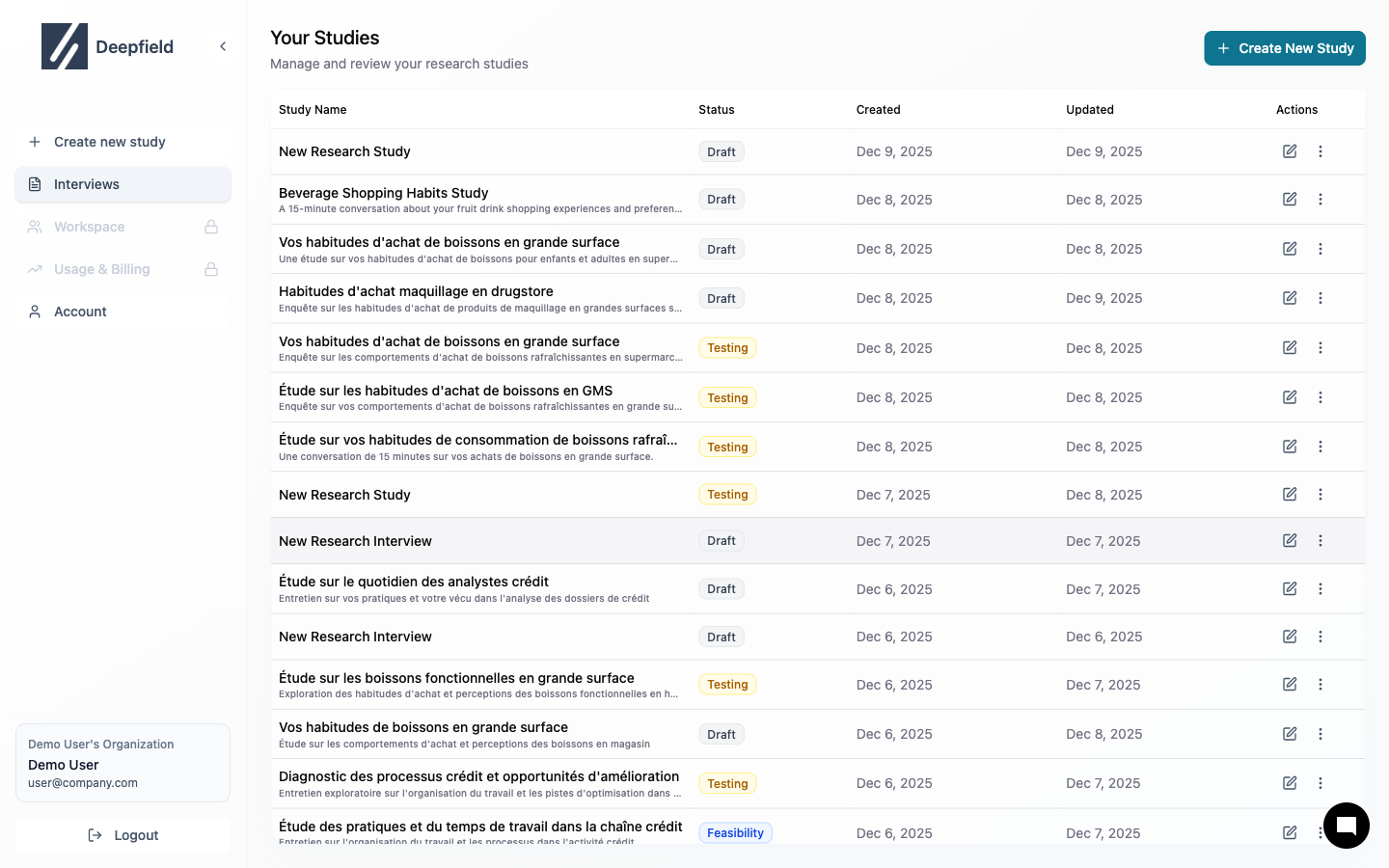
Study List
| Column | Description |
|---|---|
| Name | Study title |
| Status | Draft, Testing, Published, Completed |
| Responses | Number of completions |
| Last Modified | Most recent update |
Status Badges

| Status | Meaning |
|---|---|
| Draft | Being created |
| Testing | Ready for preview |
| Published | Collecting responses |
| Completed | Data collection finished |
Create a New Study
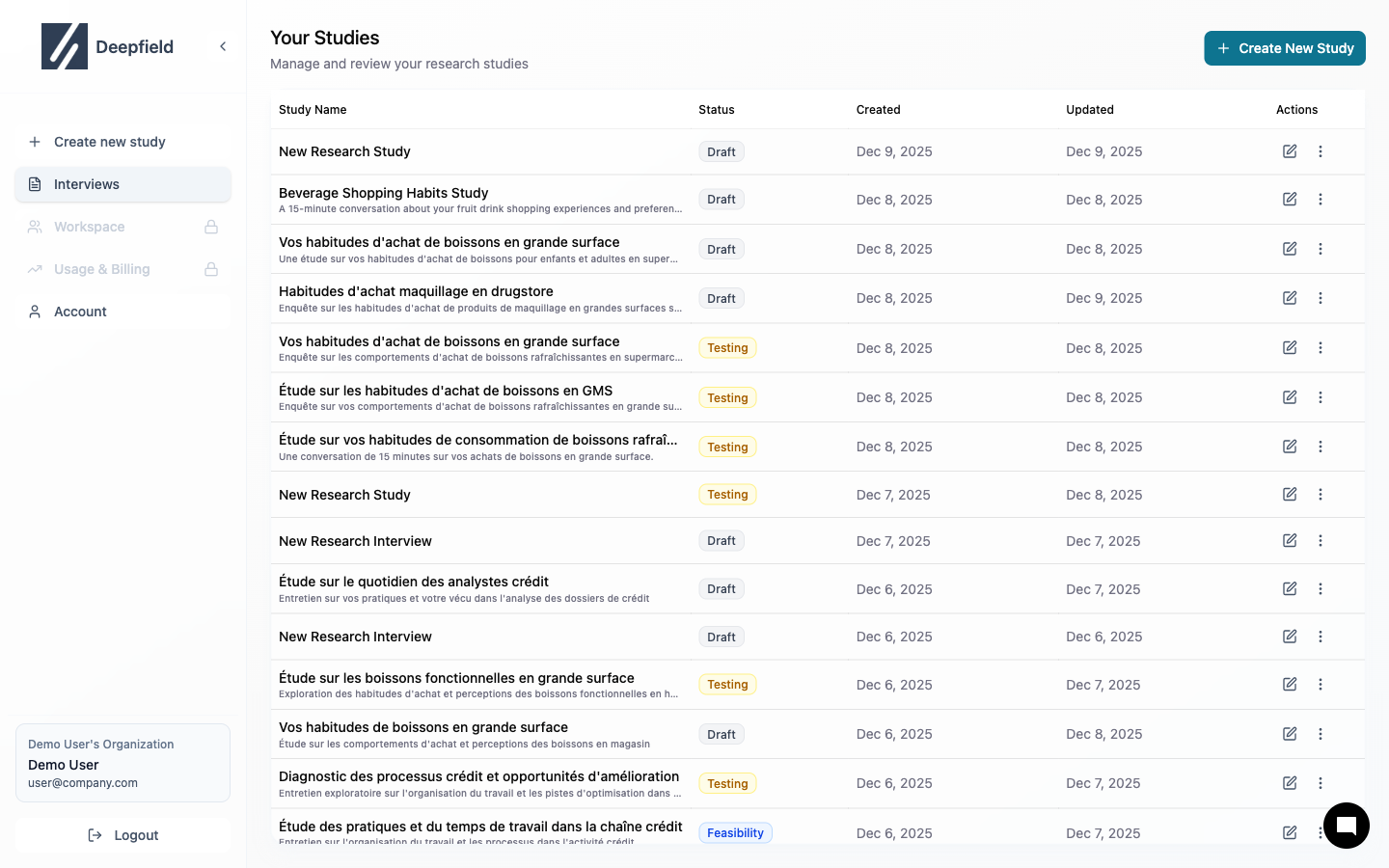
Study Navigation
Once inside a study, use the tabs to navigate:- Interview Guide — Edit questions
- Recruit — Set up participants
- Responses — View data
- Analysis — Get insights
Study Statuses
Learn what each status means
Managing Studies
Edit, duplicate, archive